
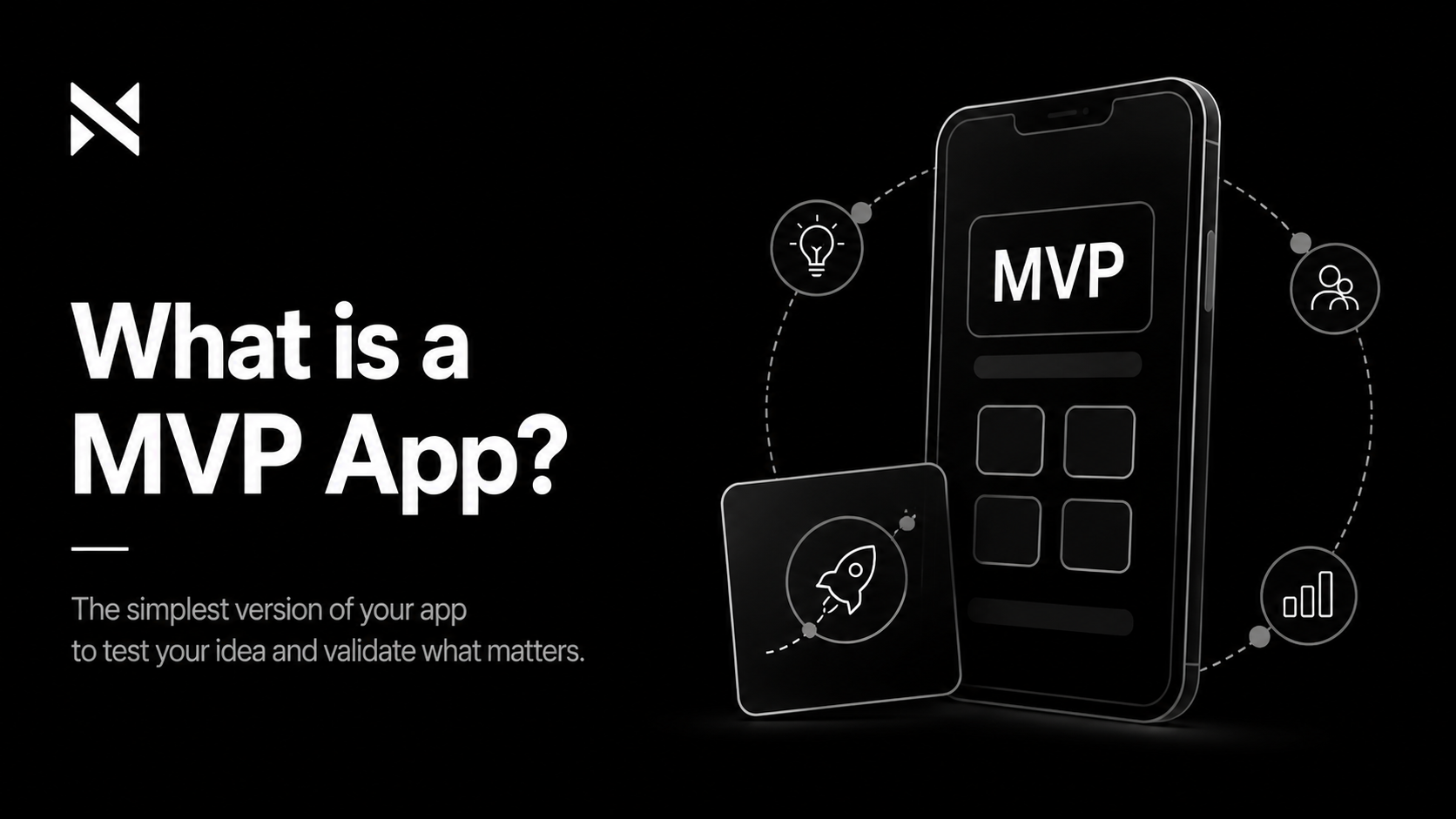
There is a version of your app that you imagine — fully featured, polished, and working exactly as planned. And there is the version that should actually be built first.
The gap between those two versions is where most first-time app projects run out of money.
The concept of a Minimum Viable Product — an MVP — exists to close that gap. Not by building less forever, but by building in the right order: starting with what matters most, validating it with real users, and then building the rest with the confidence that comes from knowing what works.
This post explains what an MVP is, how to define one, what goes into it, and why it is the most important decision you will make in the early life of your product.
What MVP Actually Means
MVP stands for Minimum Viable Product. Each word matters:
- Minimum: the smallest possible scope. Not everything you want to build — only what is necessary.
- Viable: functional and useful enough that real users can get genuine value from it. Not a demo, not a prototype, not a mockup.
- Product: something that works. Something you could charge for. Something a real user could interact with and benefit from.
The combination is specific: an MVP is the smallest functional product that delivers real value and can be tested with real users. It is not a rough draft, and it is not a full product. It occupies a precise middle ground.
An MVP is not a cheaper version of your full vision. It is a strategic decision about what to learn first — and how to learn it before spending everything you have.
What an MVP Is Not
The term MVP is widely misused, which causes real damage when people misunderstand what they are asking for. To be clear:
- An MVP is not a prototype or a clickable mockup. Prototypes are design tools. An MVP is a working product.
- An MVP is not a buggy or unfinished product shipped before it is ready. Viable means it works.
- An MVP is not just “the cheap version.” Cutting cost at the expense of the core experience produces something that teaches you nothing because users abandon it before you can learn from them.
- An MVP is not the same as a beta. A beta is a pre-release version of a more complete product. An MVP is a deliberate minimal product designed to validate assumptions.
The confusion often leads founders to either overbuild their MVP — treating it as a full product — or underbuild it, shipping something so incomplete it cannot generate useful feedback. Both are expensive mistakes.
Why an MVP Is the Right Starting Point for Most Apps
The argument for building an MVP is fundamentally an argument against assumption.
When you build a full product before launching, you are making dozens of assumptions: that users will navigate the app the way you expect, that the features you prioritised are the ones they actually use, that the onboarding experience is clear enough, that the core value proposition resonates. You are spending months and significant money on those assumptions before a single user has tested them.
An MVP inverts that risk. You build the core of the product, put it in front of real users, observe what happens, and then invest in building the rest based on what you learn rather than what you assumed.
This approach also has a practical financial logic. Most app projects that run over budget do so not because development is more expensive than quoted, but because scope expands during the build. Features get added. Requirements change. The MVP discipline — agreeing upfront on what is in and what is out — is one of the most effective tools for keeping a project on budget.
How to Define What Goes Into Your MVP
The most important exercise in MVP planning is feature prioritisation. Here is the framework:
Step 1 — Write down every feature you want
Do not filter at this stage. Write down every feature, integration, and capability you have imagined for the app. This is not your MVP — it is your full product vision.
Step 2 — Classify each feature
Go through the list and place each item in one of three categories:
- Must have: without this, the app cannot deliver its core value at all. Remove it and the app does not work.
- Should have: valuable and important, but the app can function and users can get value without it at launch.
- Nice to have: everything else — features that would be good to have eventually but are not what makes the app useful.
Step 3 — Your MVP is the must-have list only
The should-have features go on your post-launch roadmap. The nice-to-have features go into a backlog. The MVP scope is only what cannot be removed without breaking the core value proposition.
Be rigorous. Question every must-have. Ask: “If we launched without this, would users still get meaningful value?” If the answer is yes, it is not a must-have.
The features that make an app great are rarely the ones that make it necessary. Build for necessity first.
What Stays Out of an MVP — And Why
Understanding what to exclude is as important as understanding what to include. Common categories of features that belong post-MVP:
- Advanced personalisation: recommended content, customised dashboards, and preference-based features require data from real users to be useful. Build them after you have that data.
- Admin dashboards: internal tools and reporting features are valuable but are rarely what users experience. They can follow the initial launch.
- Social features: sharing, following, community elements, and social feeds require a critical mass of users to have value. They are post-MVP almost by definition.
- Deep integrations: connecting to third-party platforms, ERPs, and external systems adds significant development complexity. Include only the integrations without which the core product cannot function.
- Multiple user roles: if your app has different user types, start with one. Add additional roles once the primary experience is validated.
None of these exclusions are permanent. They are sequenced. The question is always: what do users need to get real value from this app on day one?
How Long Does It Take to Build an MVP?
MVP timelines vary significantly based on the complexity of the core feature set, the platform (iOS, Android, or both), and whether the app requires a backend or can use existing infrastructure.
As a general guide:
- Simple apps: single platform, minimal backend, limited integrations — 8 to 12 weeks
- Medium complexity: cross-platform, custom backend, standard integrations — 14 to 20 weeks
- Complex apps: advanced backend logic, real-time features, multiple integrations — 20 to 30 weeks
These are development timelines. They do not include the discovery and design phase, which typically adds 3 to 6 weeks before development begins.
A credible development agency should be able to give you a specific timeline estimate after reviewing a detailed brief. Be cautious of timelines that seem significantly shorter than these ranges — they usually indicate either a very limited scope or a team that is underestimating the work.
Common MVP Mistakes to Avoid
After building apps for clients across industries and geographies for over a decade, these are the patterns that consistently cause MVP projects to go wrong:
Scope creep during the build
The agreed MVP scope expands during development because new ideas emerge or requirements change. Every addition seems small individually, but collectively they extend the timeline and budget significantly. Agree on scope before development begins and treat changes as formal decisions with acknowledged consequences.
Building without a feedback mechanism
An MVP without a way to collect user feedback is a product launch, not a validation exercise. Before you launch, define how you will gather data: in-app analytics, user interviews, support tickets, session recordings. The value of an MVP is in what it teaches you.
Waiting too long to launch
Perfectionism is the enemy of an MVP. If you are not slightly uncomfortable with how limited the launch version is, you have probably built too much. The goal is to get it in front of users as quickly as possible without compromising the core experience.
Not being honest with your development team about the budget
An MVP defined without a clear budget constraint will almost always exceed it. Share your actual budget with your agency at the outset. A good agency will tell you what is achievable within that budget and what is not — which is exactly the information you need to scope the MVP correctly.
What Happens After the MVP?
A successful MVP launch is the beginning of the product cycle, not the end of it. After launch, the process looks like this:
- Collect and analyse user feedback: who is using the app, how, and where are they dropping off?
- Identify what is working and what is not: which features are being used? Which are being ignored?
- Prioritise the next iteration: based on data, not assumption
- Build and release the next version: adding the should-have features from your original list, modified by what you learned
- Repeat: the best apps are never finished; they evolve in response to real user behaviour
This iterative process — build, learn, improve — is how durable products are built. The MVP is the foundation that makes it possible.
Is an MVP Right for Every App Project?
Almost always, yes. But there are situations where the MVP approach needs to be adapted:
- Regulated industries: healthcare, fintech, and edtech apps often have minimum compliance requirements that must be met before launch. These are non-negotiable must-haves, not scope to cut.
- Platform integrations: if your app’s core value depends on a complex integration with an existing system, that integration may need to be part of the MVP even if it adds cost.
- Enterprise B2B apps: enterprise clients often have minimum feature requirements before they will consider piloting a product. In these cases, your MVP may be larger than a typical consumer app MVP.
In each of these cases, the principle still holds: build the minimum that is genuinely viable. The definition of “viable” simply adjusts to the context.
Every constraint on what you can leave out of an MVP should be driven by user need or regulatory requirement — not by internal preference or habit.
Before You Start: Get the Planning Right
An MVP only works if the underlying planning is sound. That means validating demand before you scope, and writing a clear brief before you approach any development agency.
If you have not yet validated that real users want what you are planning to build: How to Validate Your App Idea Before Spending a Single Rupee
Once your MVP scope is defined, the next step is writing a brief that gets you accurate development quotes: How to Write an App Development Brief That Gets You Accurate Quotes
Or return to the full planning guide: How to Plan a Mobile App: The Complete Guide for Business Owners (2026)